5 Very Important Ways to protect your emails!
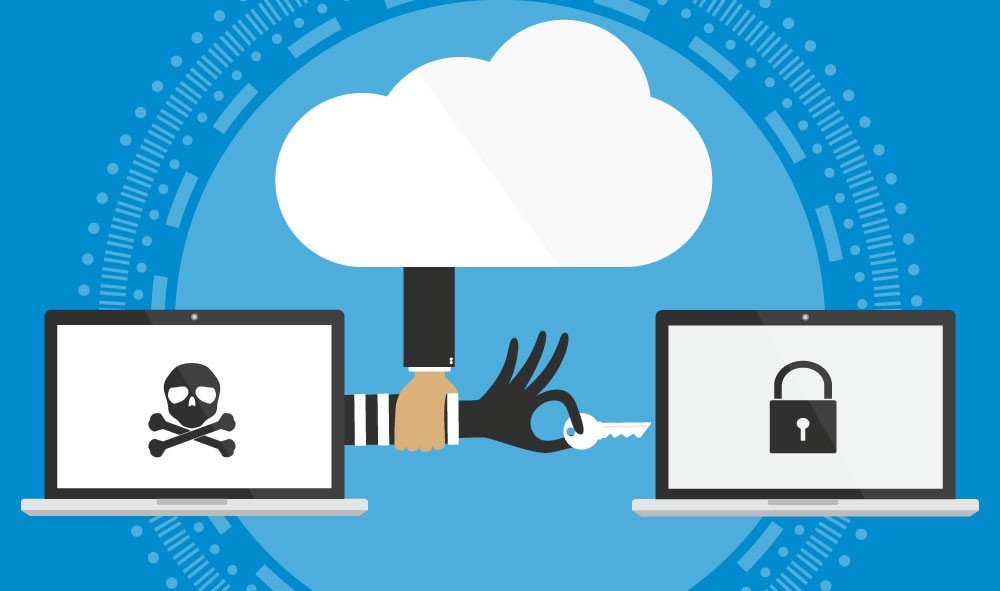
Emails are widely used these days and when it comes to email security it comes in many forms and it's crucial to secure your business. Without securing your email with technologies like the ones we’re about to describe, here are the big two things that you probably aren’t protected from:
Since nearly no one wants those things to happen, these are pretty important. Shockingly, many businesses (especially small businesses) don’t have these technologies at their disposal – or don’t know that they exist. It can be a lot to work with, and some of them get complicated to figure out and set up. So if you’re working with any of these and having trouble, feel free to reach out – we can help.
There’s also another benefit of setting these up besides security. Once they’re all set up, it’s a lot harder to get flagged as spam! Most spam filters use a points-based system to determine if a particular message is spam or not, and having these set up can give you some bonus points to help your mail get through the filter.
This is a special DNS record that says what servers can send mail out using your domain. When another server, say one at gmail.com, receives mail that looks like it’s from you – it can check what server that mail came from. The receiving server will then look up your domain to check if it came from a good source, and if the SPF record vouches for it – that email message is probably good. SPF is a good practice for any domain to have, even ones that don’t send emails because you only need to configure it one time unless something changes with your mail setup.
This uses encryption in the headers to sign the message, proving that your email server sent a particular piece of email. By verifying messages in this way, it becomes even harder for someone to spoof your email messages.
This tells servers that receive emails from your domain to send diagnostic information somewhere. You can review the information yourself, or use a service to parse it for you and put it into a more helpful format. You can set up the DNS record easily enough, but we advise having someone with the specialized tools and knowledge review the data. DMARC also allows for deployment of advanced policies that request forensic detail from receiving servers, whether SPF or DKIM failing emails should be blocked or quarantined, etc.
Having a quality spam filter on your email service isn’t quite the same as the above, but it’s certainly going to help you and your company stay safe. By having a quality spam filter you’ll not only cut down on annoying junk emails that waste your time, but you’ll also greatly reduce your chances for catastrophic business events like Cryptolocker or Phishing scams.
While easy to use, end-to-end encryption of emails is still a little way off, there are third-party solutions that offer full email encryption services. These services typically work by routing your outbound emails through their servers first, then replacing it with a different message that tells your intended recipient that they have an encrypted message waiting for them on the portal (and giving them a link to access it). This works well because anyone in the middle that happens to see that message won’t be able to collect the information. We advise only sending critical or sensitive information through fully encrypted channels such as these.
In Conclusion, contact your IT team to make sure that you can get these set up for your email security. It is a small thing that you can do to help save your business.