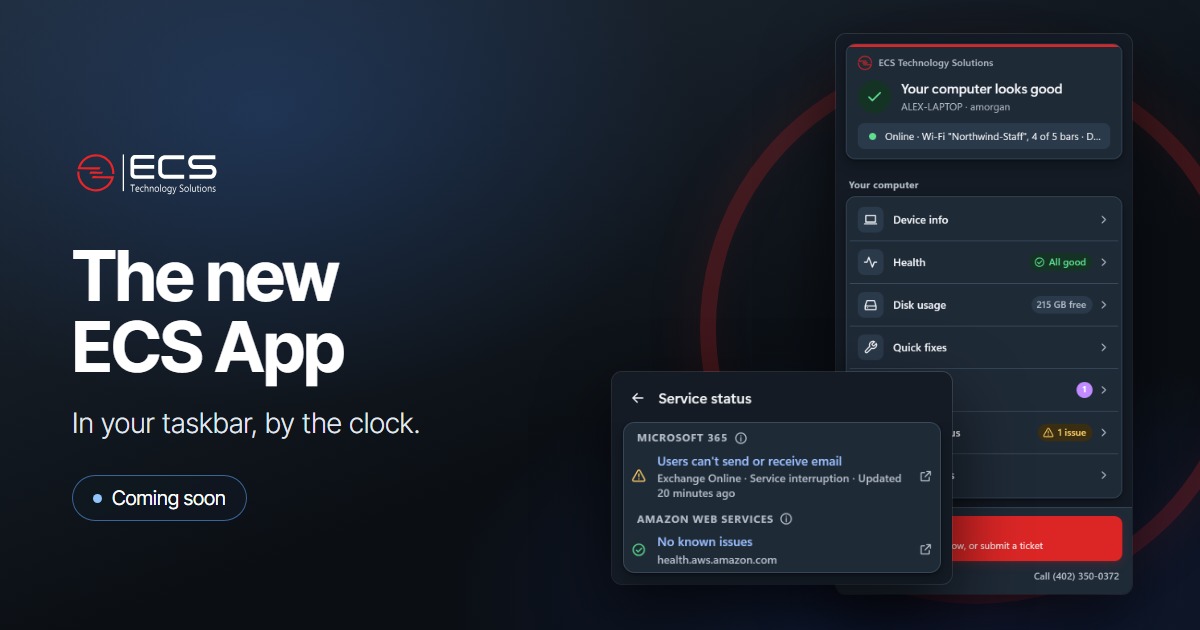
The ECS icon by your clock is being replaced by the new ECS App. It installs itself in the background, and the old icon is removed automatically, so there's nothing you need to do.
Shows your computer's details. Computer name, IP address and network in one place, with a Copy all details button for when we ask.
Flags problems early. Low disk space, an unstable connection or a restart that's waiting.
Reports outages. Known problems at Microsoft 365 and Amazon Web Services, plus ECS phones if you use them.
Fixes common problems. More than a dozen quick fixes, including network resets, stuck printing, Teams, OneDrive and sound.
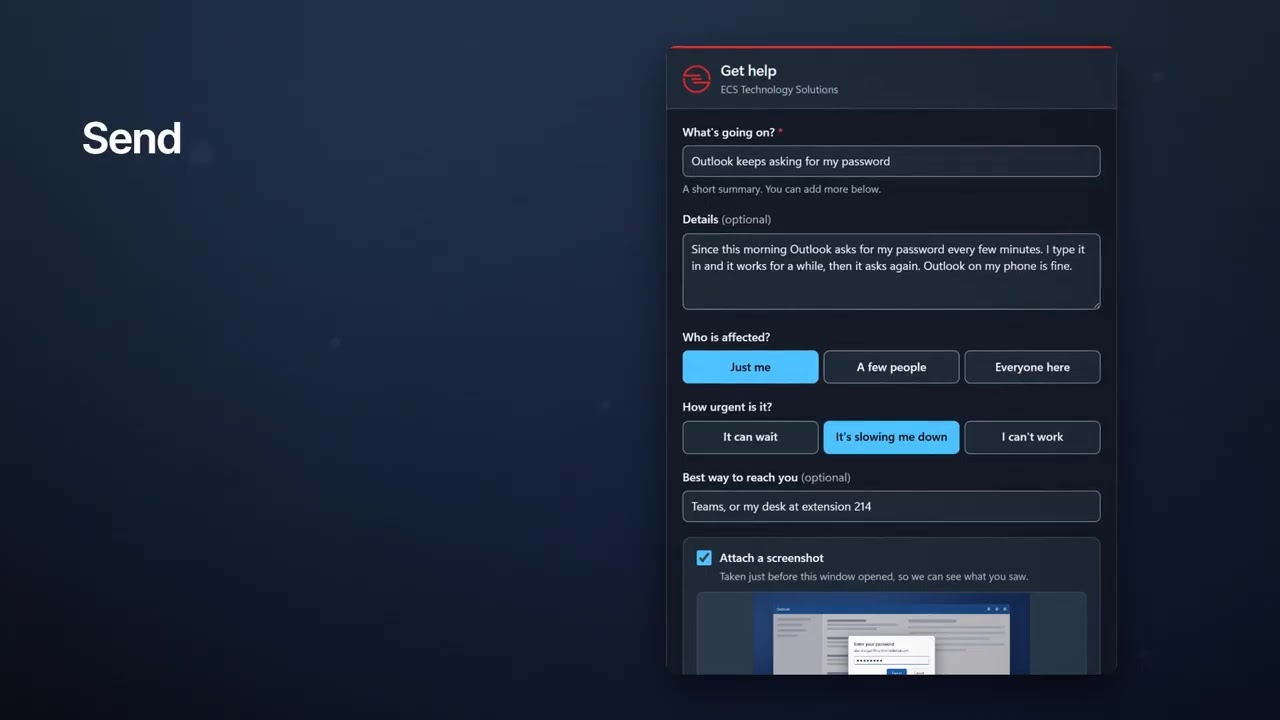
Sends better tickets. Get help attaches a screenshot and your computer's details. You can remove either before you send it.
Coming next: chat support
You'll be able to chat with our AI in the app, have it run fixes for you, and bring in our team with one click. To try it early, ask your ECS team to join the beta.
Good to know
It's for the Windows computers ECS manages.
Updates install on their own.
You can still call or email us the same way you do today.